Untitled Video
8 messages • v2
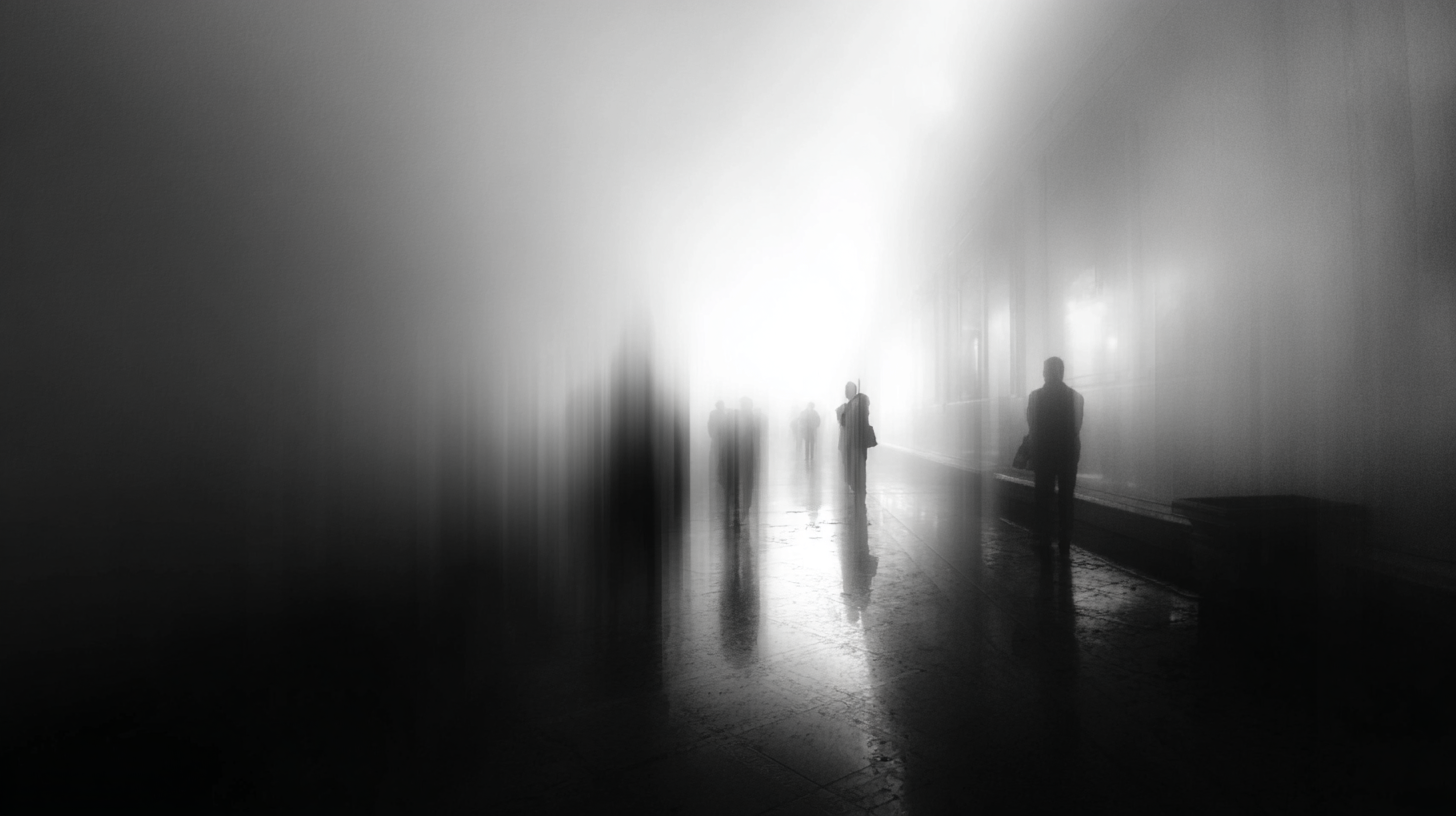
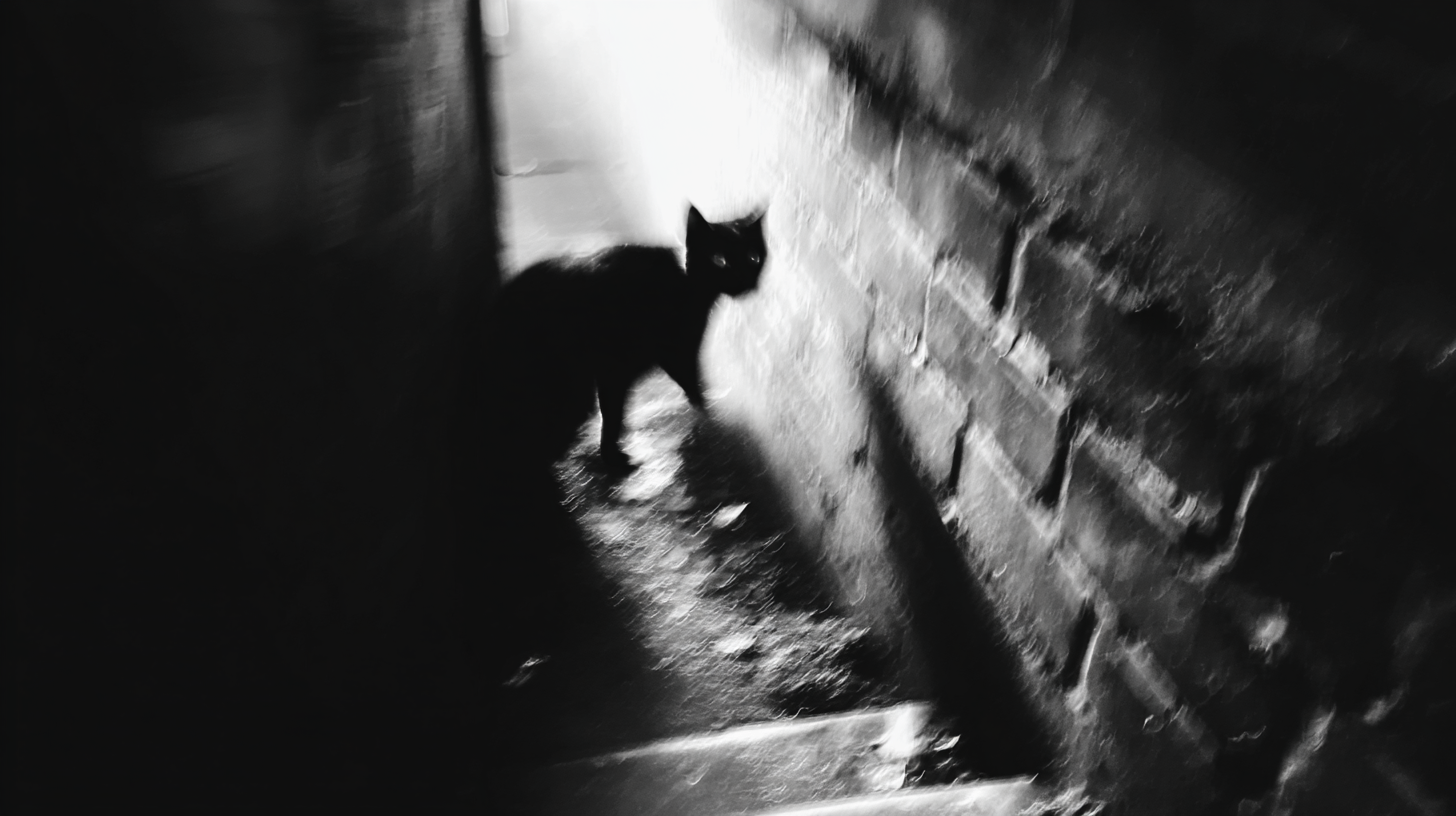
create a slideshow with these 3 images. each image displays for 4 seconds with a quick transition between each.
sent
I'll create a slideshow with your 3 images, each displaying for 4 seconds with quick crossfade transitions between them.
This slideshow features:
- Each image displays for 4 seconds
- Quick 0.3-second crossfade transitions between images
- Images are centered and fit within the frame while maintaining aspect ratio
- Total duration is 12 seconds
- Black background to frame the images nicely
The timing is set up so the transitions overlap slightly to create smooth crossfades between each image.
sent
v2
add scanline effect on the video
sent
I'll add a scanline effect to your slideshow to give it a retro CRT monitor look.
I've added scanline effects to all three images in your slideshow! The scanlines create a retro CRT monitor aesthetic with:
- 30% opacity for a subtle but visible effect
- 4-pixel spacing between scanlines
- Static scanlines (speed: 0) that don't move
- Black scanlines that overlay the images
This gives your slideshow a nostalgic, vintage monitor feel while keeping the smooth transitions between images.
sent
v3
make it so the lines look like they're in motion
sent
I'll make the scanlines appear to be in motion by adding movement to them.
Perfect! I've updated all the scanline effects to have motion by changing the `speed` from 0 to 2. Now the scanlines will continuously scroll across the images, creating a dynamic retro CRT effect that looks like the lines are moving. The speed value of 2 gives a nice, noticeable movement without being too distracting from the images themselves.
sent
v4
at the end of the video transition to an all black screen and have the letter BDC appear as if typed from a terminal session
sent
I encountered an issue: Schema validation failed: timeline.layers.1.clips.0.position.anchor: Invalid enum value. Expected 'center' | 'top-left' | 'top-right' | 'bottom-left' | 'bottom-right', received 'left'; timeline.layers.1.clips.1.position.anchor: Invalid enum value. Expected 'center' | 'top-left' | 'top-right' | 'bottom-left' | 'bottom-right', received 'left'; timeline.layers.1.clips.2.position.anchor: Invalid enum value. Expected 'center' | 'top-left' | 'top-right' | 'bottom-left' | 'bottom-right', received 'left'; timeline.layers.1.clips.3.position.anchor: Invalid enum value. Expected 'center' | 'top-left' | 'top-right' | 'bottom-left' | 'bottom-right', received 'left'; timeline.layers.1.clips.4.position.anchor: Invalid enum value. Expected 'center' | 'top-left' | 'top-right' | 'bottom-left' | 'bottom-right', received 'left'
sent
Press Enter to send, Shift+Enter for new line
Video spec ready
Click Preview to render a quick preview
Timeline 12.0s
Slideshow
LfdOLspO9BkV
-fH0gBzq-45U
6cMZyX2ZYiI-
0s 6.0s 12.0s
Video
Image
Text
Shape
Has effects
Versions Current: v2
12s 1 layer 3 clips
1920x1080 @ 30fps
Assets: 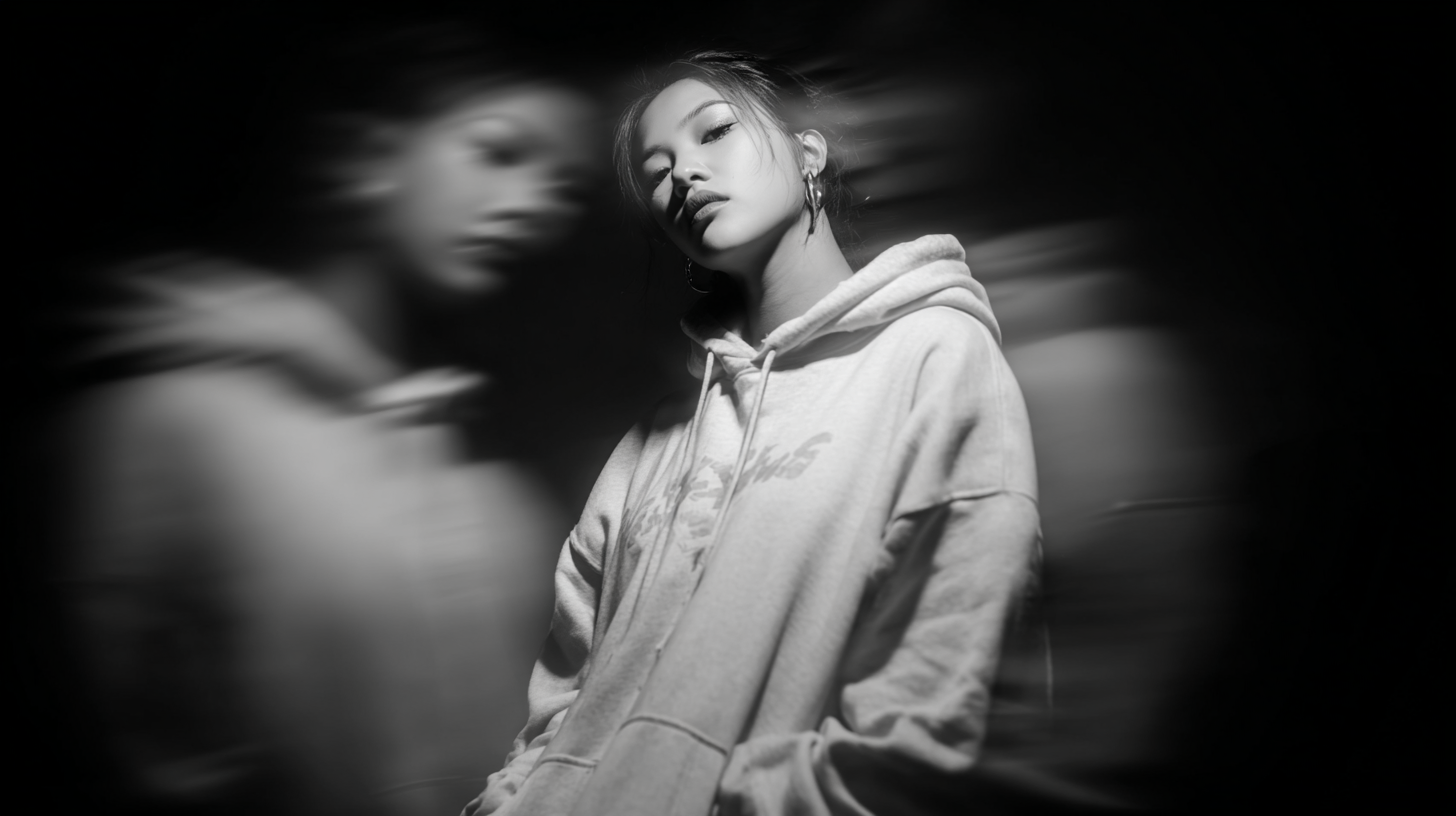
remo1.png
remo3.png
remo8.png